CapCut Templates Not Showing Easy Fixes That Really Work
You open CapCut to make a trending video, but the Templates tab is empty or missing. This is one of the most common problems CapCut users face. If you are dealing with CapCut templates not showing, this guide will help you fix it.
We explain every common cause, from old app versions to internet issues, region limits and account settings. Each fix comes with simple steps that any beginner can follow. The team at getcapcutapk.in/ has tested these fixes on many Android phones and iPhones.
Start with the quick fixes and work your way down. Most users get their templates back within a few minutes. For an overview of the app, visit our CapCut Pro APK home page.
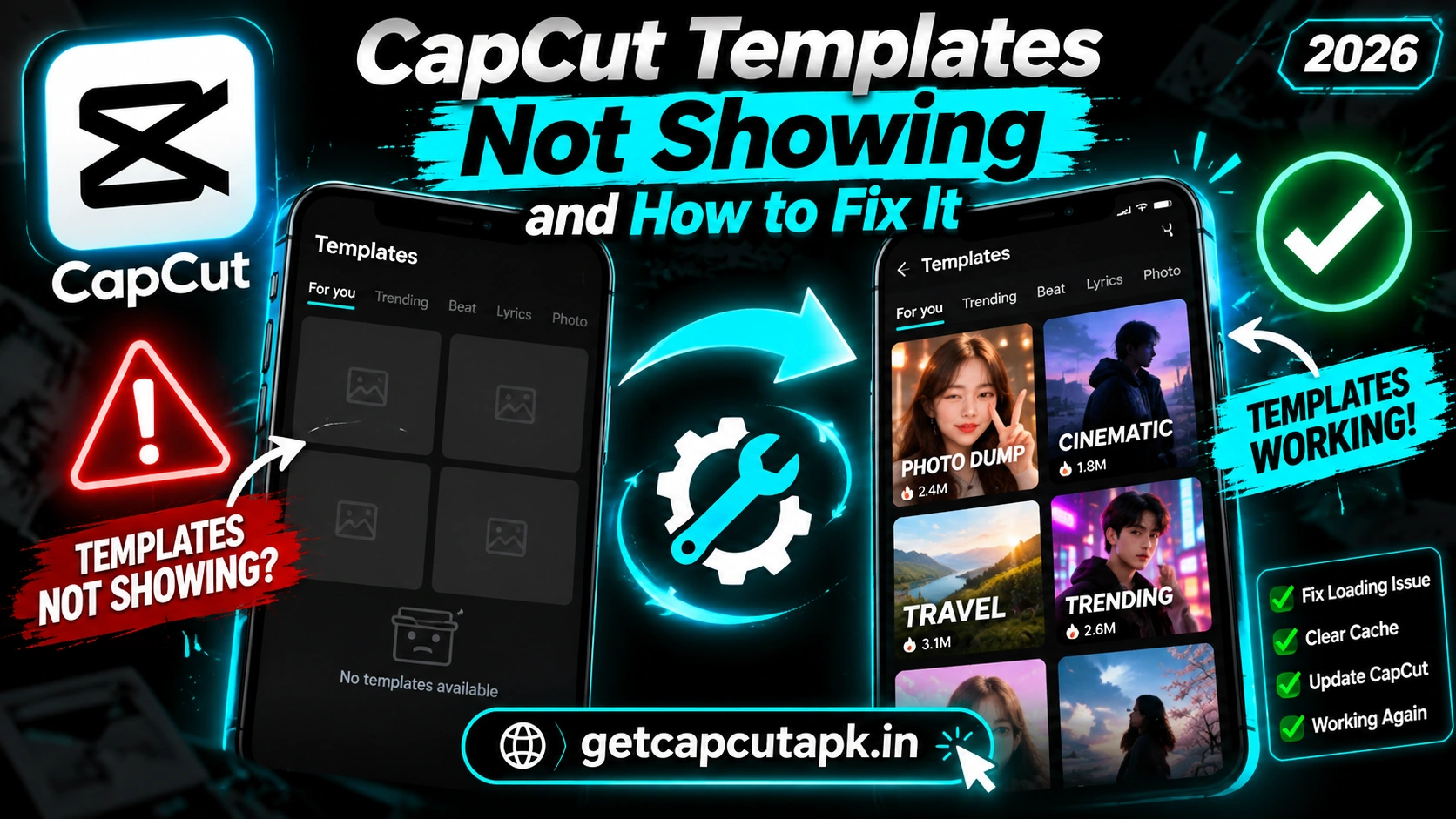
Why Are CapCut Templates Not Showing?
Templates load from CapCut’s online servers, so many things can affect them. Some causes are on your phone, while others depend on your region or account. Here are the most common reasons.
- Old app version that no longer supports the template feed
- Weak or blocked internet connection
- Full cache or damaged app data
- Region limits where templates are not offered
- Account or age settings that limit some content
- Low storage that stops templates from loading
- Server issues on CapCut’s side
- VPN or network filters that block template content
Think about when the problem started. Did it begin after an update, a move or a settings change? That clue often points to the right fix.
Quick Fixes to Try First
These simple steps fix the problem for many users. Each one takes less than a minute. Try them in order before moving on.
Restart CapCut
Close CapCut fully and open it again. On Android, swipe it away from the recent apps screen. On iPhone, swipe up from the app switcher.
Restart Your Phone
A phone restart clears temporary bugs and refreshes your network. Hold the power button and choose Restart. Open CapCut again after the restart.
Check Your Internet
Templates need a stable connection to load. Switch between Wi-Fi and mobile data to see if one works better. Open a website to make sure your internet is working.
Fix 1 Update CapCut
Old versions of CapCut may stop showing templates. The template feed often needs the newest app version to work. Updating is one of the most effective fixes.
On Android
- Open the Play Store.
- Search for CapCut.
- Tap Update if it appears.
On iPhone
- Open the App Store.
- Tap your profile picture.
- Find CapCut and tap Update.
After the update, open CapCut and check the Templates tab. If you installed CapCut from a website, update it from the official site. Read our guide on how to update CapCut on Android for more help.
Fix 2 Clear the CapCut Cache
A full or damaged cache can stop templates from loading. Clearing it is safe and does not delete your drafts. Here is how.
Inside CapCut
- Open CapCut and tap the Settings gear.
- Tap Clear cache.
- Confirm and restart the app.
On Android Settings
- Open Settings and tap Apps.
- Find CapCut and tap it.
- Tap Storage.
- Tap Clear cache.
Avoid Clear data unless other fixes fail, since it may remove local drafts. Back up your drafts to the cloud first if you need to clear data. Then sign in again after clearing.
Fix 3 Check Your Region
CapCut templates are not available in every country. In some regions, the Templates tab may be missing or empty. This is a regional limit, not a bug.
The app may also be blocked entirely in some countries, such as India. In those places, templates will not work through official channels. Read our guide on whether CapCut is banned in India for details.
If you recently traveled, your app may show different content based on your location. Check your phone’s region settings. Template availability can also change when CapCut updates its policies.
About VPNs
Some users try a VPN to access templates from another region. This can break local rules or the app’s terms of service. Free VPNs also carry privacy risks, so we do not recommend them.
Fix 4 Check Your Account and Age Settings
Some templates are limited by account type or age settings. If your account age is set below a certain level, some content may be hidden. Your account region can also affect what you see.
- Open CapCut and tap your profile.
- Check that you are signed in.
- Review your account details and region where shown.
- Sign out and sign back in.
Signing in with a different method, like TikTok instead of Google, may also change what you see. Make sure you use the same account every time. Mixing accounts can cause missing content.
Fix 5 Free Up Storage
Templates download media and effects to your phone before they play. If your storage is almost full, templates may fail to load. Freeing space can fix this quickly.
| Cleanup Step | How to Do It |
|---|---|
| Clear CapCut cache | CapCut Settings, Clear cache |
| Delete old drafts | Remove projects you no longer need |
| Delete old exports | Remove saved videos you already posted |
| Remove unused apps | Phone Settings, Apps |
| Move photos to the cloud | Use Google Photos or iCloud |
Try to keep at least 2 GB of free space for smooth template use. More space also helps exports and editing. Our guide on CapCut system requirements explains storage needs in detail.
Fix 6 Turn Off VPN, Data Saver and Network Filters
Some network settings can block template content. VPNs, data saver modes and network filters may stop CapCut from reaching its servers. Turning them off can fix the problem.
- Turn off any VPN app.
- Turn off Data saver in your phone settings.
- Try a different Wi-Fi network.
- Restart your router if you use home Wi-Fi.
Some schools, offices and public Wi-Fi networks block certain apps. If templates work on mobile data but not on Wi-Fi, the network may be the cause. Use a different network when you need templates.
Fix 7 Reinstall CapCut
If nothing else works, a clean reinstall often fixes stubborn problems. It replaces damaged files with fresh ones. Back up your drafts before you start.
- Upload important drafts to the cloud or export them.
- Uninstall CapCut from your phone.
- Restart your phone.
- Install CapCut again from the Play Store or App Store.
- Sign in and check the Templates tab.
A fresh install clears hidden bugs that other fixes miss. It also gives you the latest version. For install help, read our guide on how to download CapCut on Android.
Fix 8 Wait for Server Fixes
Sometimes the problem is on CapCut’s side. Server issues can stop templates from loading for many users at once. In this case, there is nothing to fix on your phone.
Check social media to see if other users report the same issue. If many people have the problem, wait a few hours and try again. Server problems are usually fixed quickly.
You can also report the problem from the app’s support or feedback section. This helps the team find and fix issues faster. Include your app version and a short description.
Templates Not Showing on iPhone
iPhone users can face the same template issues as Android users. A few iPhone settings can also affect templates. Here is what to check.
- Open Settings and scroll to CapCut.
- Make sure Mobile Data is turned on for CapCut.
- Check Background App Refresh and turn it on.
- Open Settings, then General and iPhone Storage, to check free space.
- Turn off Low Data Mode in your Wi-Fi or mobile data settings.
Screen Time limits can also block some content. Check Screen Time settings if you use them on your iPhone. Parents may have set limits that hide certain apps or content.
Templates Not Showing on Android Tablets
Some Android tablets show a different layout that can hide the Templates tab. The app may also act differently on very old tablets. Here are a few things to try.
Rotate your tablet to portrait mode and look for the Templates tab at the bottom. Update CapCut to the newest version for the latest tablet layout. Read our CapCut Pad guide for more tablet tips.
Templates Showing but Not Loading
Sometimes you can see templates in the feed, but they get stuck when you tap them. This is a slightly different problem with its own fixes. Here is a quick checklist.
| Symptom | Fix |
|---|---|
| Spinning circle forever | Switch networks and restart the app |
| Error message when opening | Clear cache and update CapCut |
| Template opens without music | The song may be limited in your region |
| Clips will not import | Allow full photo access in phone settings |
Templates Not Showing on TikTok Links
Sometimes the CapCut Try this template link on TikTok does not open the template. This can happen for several reasons. Here are quick fixes.
| Problem | Fix |
|---|---|
| Link opens the app store | Install or update CapCut |
| Link opens CapCut but no template | Restart CapCut and tap the link again |
| Template not available | The template may be removed or limited in your region |
| Link does nothing | Update TikTok and CapCut |
If a specific template is removed, you cannot open it anymore. Search for similar templates in CapCut instead. Many trends have several versions.
Quick Fix Summary
Here is a summary of all fixes in one place. Work through them in order. Most users solve the problem by fix three or four.
| Step | Fix |
|---|---|
| 1 | Restart CapCut and your phone |
| 2 | Check your internet |
| 3 | Update CapCut |
| 4 | Clear the cache |
| 5 | Check region and account settings |
| 6 | Free up storage |
| 7 | Turn off VPN and data saver |
| 8 | Reinstall CapCut |
| 9 | Wait for server fixes |
How to Prevent Template Problems
A few habits help templates load smoothly every time. They also keep the whole app running well. The team at getcapcutapk.in/ follows these steps on every phone.
- Turn on auto update for CapCut
- Clear the cache once a week
- Keep 2 GB or more of free storage
- Use a stable Wi-Fi connection for templates
- Stay signed in to one account
- Avoid unofficial versions of the app
Unofficial or modified versions often break template features. They can also put your data at risk. Always use the official app from trusted stores.
Key Takeaways
Here are the most important points from this guide on missing templates. Keep them in mind for your next project. They cover the steps that make the biggest difference.
- Update CapCut before anything else
- Clear the cache, not the app data
- Check your region, account and network
- Reinstall only after backing up drafts
Conclusion
CapCut templates not showing is a common problem, but it is usually easy to fix. Start by restarting the app, checking your internet and updating CapCut. Then clear the cache, free up storage and check your region and account settings.
If the problem continues, turn off VPNs and data saver, or reinstall the app. Sometimes the issue is on CapCut’s side, so waiting a few hours can help. Remember that templates are not available in every region.
For more fixes and template guides, keep visiting getcapcutapk.in/. Also explore our main CapCut templates page once your templates are back. Happy editing.
Frequently Asked Questions
The app may be outdated, or templates may not be offered in your region. Account settings can also hide templates. Update the app and check your account.
No, clearing the cache does not delete your drafts. It only removes temporary files. Avoid clearing app data unless you have backed up your drafts.
Your Wi-Fi network may block certain apps or content. This is common in schools and offices. Use mobile data or another network.
A VPN may change what content you see, but it can break local rules and terms of service. Free VPNs also carry privacy risks. We do not recommend this method.
Reinstall CapCut from the official store and sign in again. If many users report the same issue, wait for a server fix. You can also contact CapCut support.