How to Remove the CapCut Ending Watermark From Your Videos
Learn how to remove the CapCut ending watermark from your videos on phone and PC, turn off the default ending and export clean template videos.
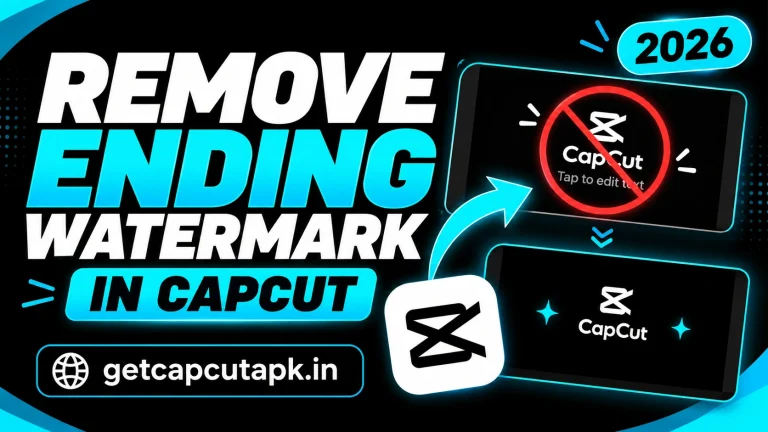
Learn how to remove the CapCut ending watermark from your videos on phone and PC, turn off the default ending and export clean template videos.
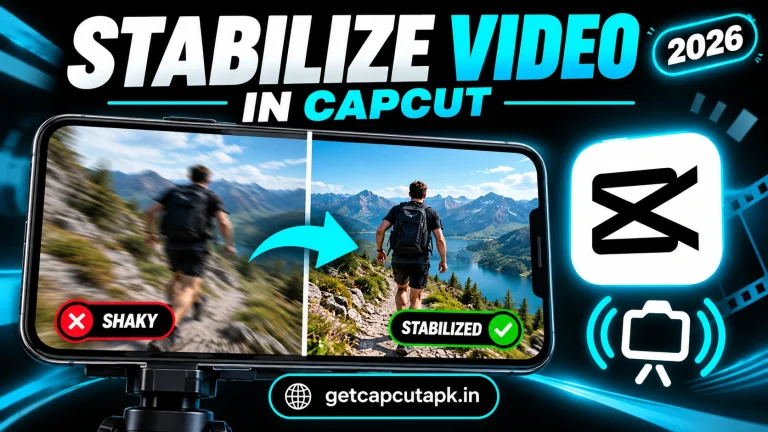
Learn how to stabilize shaky video in CapCut on phone and PC, choose the right level, avoid warping and film steadier clips for smooth footage.

Learn how to use motion tracking in CapCut on phone and PC to make text, stickers and effects follow moving people and objects step by step.
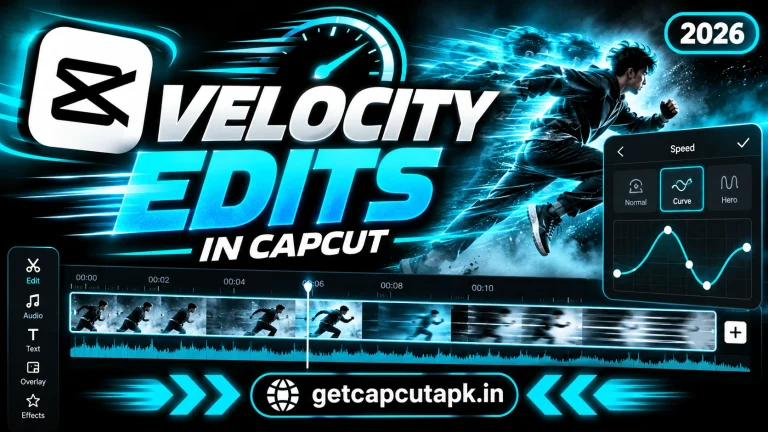
Learn how to make velocity edits in CapCut with speed curves, beat sync, smooth slow motion, shake effects and pro tips for trending edits.
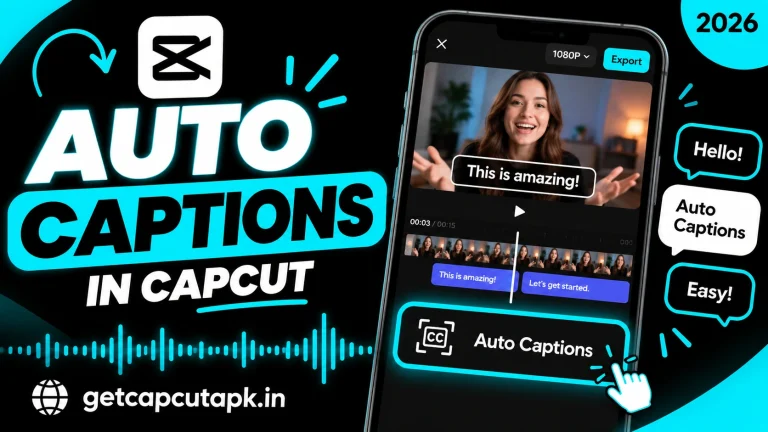
Learn how to add auto captions in CapCut for free on phone and PC, edit the text, style the subtitles, pick languages and fix caption errors.
Learn how to remove background in CapCut without a green screen using Auto removal and Custom removal on phone and PC, with tips for clean edges.
Learn how to reverse a video in CapCut on Android, iPhone and PC in seconds, plus creative reverse ideas, audio tips and fixes for slow processing.
Learn how to add keyframes in CapCut on phone and PC to create smooth zooms, slides, fades, text motion and pro-style animations step by step.

Learn how to use green screen in CapCut with Chroma Key, step by step on phone and PC, plus lighting tips, settings and fixes for green edges.
A full list of CapCut features with simple guides, from trim and text to keyframes, Chroma Key, Auto Captions, AI tools, templates and export.
End of content
End of content