Pippit AI Guide for Product Videos and Smart Marketing Ads
Making product videos and ads takes time, skill and often a big budget. Pippit AI aims to make this easier for sellers, creators and small businesses. This guide explains what Pippit is, how it works and how to use it for smart marketing ads.
You will learn about its main features, who it is for and how it compares with CapCut. We also share tips for better product videos and the rules to follow. The team at getcapcutapk.in/ has explored Pippit to see how it helps small brands and online sellers.
Pippit comes from the same company family as CapCut. It focuses on marketing content rather than general video editing. For an overview of CapCut, visit our CapCut Pro APK home page.
What Is Pippit AI?
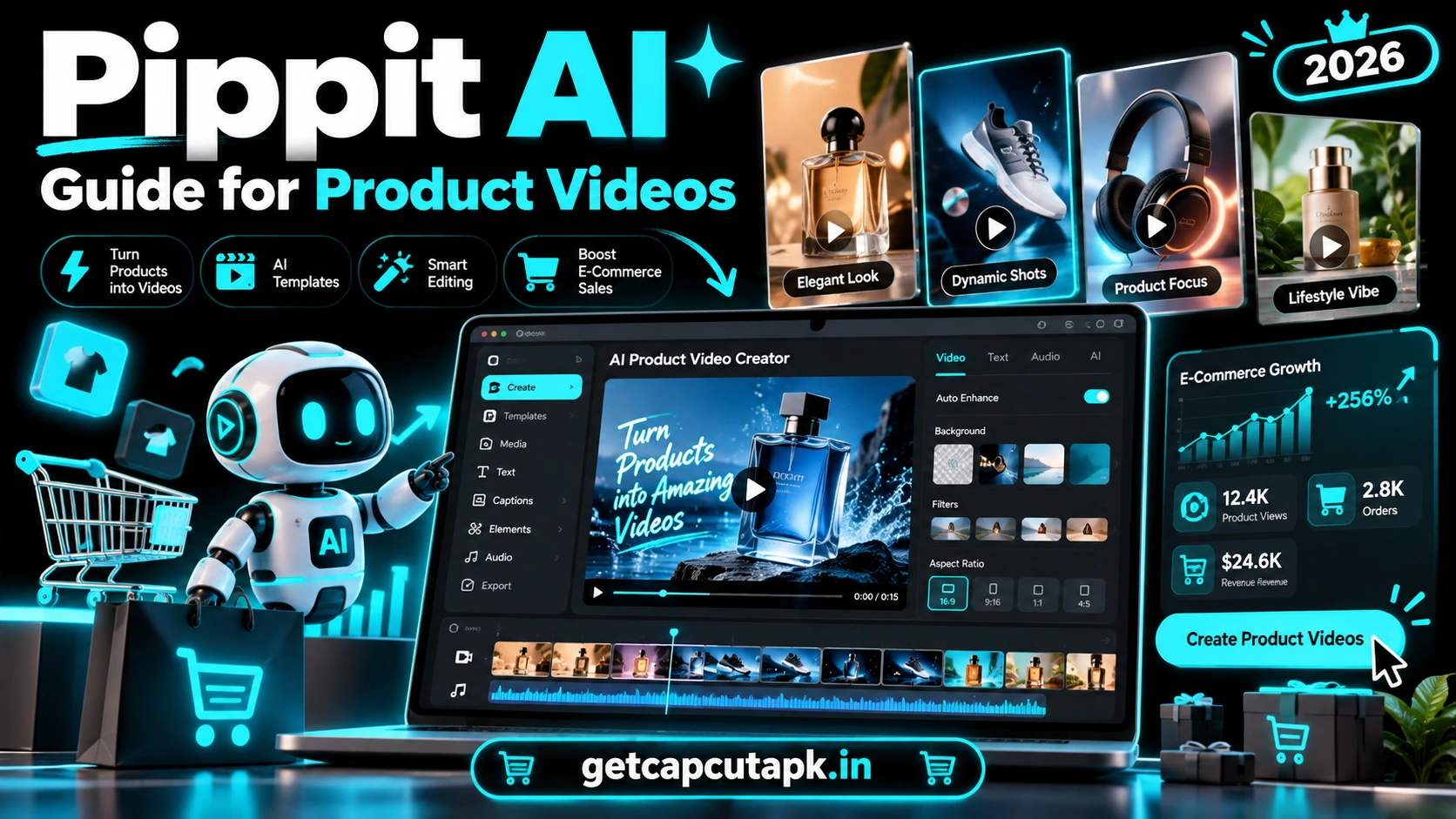
Pippit is an AI-powered content tool designed for marketing and e-commerce. It helps users create product videos, ads, images and social posts with the help of AI. It is built for speed, so sellers can publish content often.
Pippit can take product details, images or a product link and turn them into ready-to-post videos. It can also add AI avatars, voiceovers, captions and music. Some versions include tools to plan and publish content.
The tool is made by the same company behind CapCut. It grew out of earlier marketing tools from the CapCut family. Features and availability can change by region and over time.
Who Is Pippit AI For?
Pippit is built for people who need lots of marketing content. It saves time for anyone who sells products or promotes a brand. Here are the main users.
- Online sellers on e-commerce stores and marketplaces
- Small business owners who need ads on a budget
- Social media marketers who post daily
- Dropshippers testing many products
- Content creators making brand deals
- Agencies that handle many clients
If you sell products online, Pippit can help you create content much faster. You do not need a video team or expensive gear. A few product photos can be enough to start.
Main Features of Pippit AI
Pippit offers several AI tools focused on marketing. Each one solves a common problem for sellers. Here are the main features.
| Feature | What It Does |
|---|---|
| Link to Video | Turns a product link into a promo video |
| AI Avatars | Adds virtual presenters who talk about your product |
| AI Voiceover | Creates spoken scripts in different voices |
| Product Photos | Creates clean product images and backgrounds |
| Smart Scripts | Writes short ad scripts for your product |
| Auto Captions | Adds subtitles to your videos |
| Content Planning | Helps you plan and publish posts in some versions |
Link to Video
This is one of Pippit’s most popular tools. You paste a product link, and the AI pulls images and details. It then creates a short video ad you can edit.
AI Avatars
AI avatars are virtual presenters that can speak your script. They are useful when you do not want to appear on camera. Make sure to follow platform rules about AI presenters.
Product Photo Tools
Pippit can remove backgrounds and place products in new scenes. This helps your product photos look clean and professional. It is great for stores and social posts.
How Pippit AI Works
Using Pippit follows a simple flow. You give it product information, and it creates content you can edit. Here is the basic process.
- Sign in to Pippit on the web or app in your region.
- Choose a tool, such as Link to Video or Avatar Video.
- Paste a product link or upload product images.
- Add details like product name, features and price.
- Let the AI create a script and video.
- Edit the text, voice, music and scenes.
- Export or publish your video.
For a full walkthrough, read our guide on how to make product ads with Pippit AI. It covers each step in detail. It also shares tips for ads that convert.
Pippit AI vs CapCut
Pippit and CapCut come from the same company family, but they serve different goals. CapCut is a general video editor, while Pippit is focused on marketing. The table below shows the main differences.
| Point | Pippit | CapCut |
|---|---|---|
| Main purpose | Marketing and product content | General video editing |
| Best users | Sellers and businesses | All creators |
| Product link to video | Yes | No |
| AI avatars | Yes | Limited |
| Full editing control | Basic | Advanced |
| Templates | Marketing focused | Trends and all styles |
Many sellers use both tools. They create a quick product video in Pippit, then fine-tune it in CapCut. Read our CapCut AI tools guide to see the AI tools inside CapCut.
Pricing Basics
Pippit usually offers a free way to try the tool with limited credits or features. Paid plans add more credits, exports and advanced tools. The exact plans and prices vary by region.
| Plan Type | What You Usually Get |
|---|---|
| Free | Limited credits and basic features |
| Paid | More credits, more exports and advanced tools |
| Business | Team features in some regions |
Check the pricing page in your account for current details. Start with the free option to test it. Upgrade only if it saves you real time and money.
Best Uses for Pippit AI
Pippit is most useful for content that sells or promotes. Here are some of the best ways to use it. Each one can save hours of work.
- Product promo videos for social media
- Short ads for testing new products
- Product showcase images for online stores
- Avatar videos explaining product features
- Sale and discount announcements
- Seasonal campaign content
Short, clear videos often work best for ads. Focus on one key benefit per video. Test different versions to see what your audience likes.
Tips for Better Product Videos
AI makes product videos easy, but good input still matters. These tips help your Pippit videos look and perform better. The team at getcapcutapk.in/ recommends them for every seller.
Use High Quality Photos
Clear, bright product photos give the AI better material. Use a clean background and good light. Blurry photos lead to weaker videos.
Focus on One Benefit
Viewers decide fast whether to keep watching. Lead with the biggest benefit of your product. Keep the message simple.
Keep It Short
Most product ads work best at 15 to 30 seconds. Short videos hold attention and fit social feeds. Cut anything that does not help sell.
Add a Clear Call to Action
Tell viewers what to do next, like shop now or tap the link. Put it on screen and in the voiceover. A clear action can improve results.
Video Formats for Different Platforms
Each platform prefers a certain video shape and length. Pippit lets you choose the format before you create or export. Matching the format helps your ads look native.
| Platform | Best Ratio | Ideal Length |
|---|---|---|
| TikTok | 9:16 | 15 to 30 seconds |
| Instagram Reels | 9:16 | 15 to 30 seconds |
| Instagram Feed | 1:1 or 4:5 | 15 to 30 seconds |
| YouTube Shorts | 9:16 | Under 60 seconds |
| Facebook Ads | 1:1 or 4:5 | 15 to 30 seconds |
| Online store page | 16:9 or 1:1 | 30 to 60 seconds |
Create one main version, then resize it for other platforms. This saves time and keeps your message consistent. Check text placement after each resize.
Example Ad Structure
A clear structure makes any product video stronger. Many successful short ads follow a simple pattern. You can use it as a guide when you edit Pippit scripts.
- Hook in the first two seconds, like a bold question or result.
- Problem your customer faces.
- Product as the solution, shown clearly.
- Key benefits, two or three at most.
- Proof, such as real reviews you have permission to use.
- Call to action, like shop now.
Keep each part short and easy to follow. Viewers decide quickly whether to keep watching. A strong hook and clear benefit matter most.
Pippit for Different Business Types
Pippit can help many kinds of businesses. The way you use it depends on what you sell. Here are a few examples.
| Business | Content Idea |
|---|---|
| Clothing store | Outfit showcase with prices |
| Beauty brand | Product benefits with an avatar presenter |
| Electronics seller | Feature highlights with clean product shots |
| Home decor shop | Room style scenes with products |
| Food business | Menu highlights and special offers |
Try one idea from the table that fits your business. Make two or three versions and compare the results. Keep the style that gets the most clicks and sales.
How to Get Started Today
The easiest way to learn Pippit is to make one simple video for your best product. Pick a product that already sells well. Then create a short ad and post it on one platform.
Watch how people react in the first few days. Look at views, clicks and comments. Use what you learn to improve your next video.
Rules and Honest Marketing
Using AI for ads comes with responsibilities. Honest marketing builds trust and keeps your accounts safe. Follow these rules.
- Show your real product accurately
- Do not make false claims about features or results
- Do not use fake reviews or invented testimonials
- Label AI avatars or AI content when platforms ask
- Follow ad rules on each platform
- Respect copyright for music and images
Misleading ads can lead to rejected campaigns, account bans and unhappy customers. Real, honest content works better over time. Your brand reputation is worth protecting.
Common Problems and Fixes
A few issues can appear when you use Pippit. Most of them have simple fixes. The table below lists the common ones.
| Problem | Fix |
|---|---|
| Link to video fails | Check that the product page is public and try again |
| Poor image quality | Upload better product photos |
| Voice sounds robotic | Try a different voice or rewrite the script |
| Out of credits | Wait for a refresh or upgrade your plan |
| Not available | Pippit may not be offered in your region |
AI results can vary, so review every video before you publish. Fix any wrong details or awkward lines. A quick check protects your brand.
How Pippit Fits Into a Marketing Workflow
Pippit works best as part of a bigger content plan. Use it to create fast drafts and many variations. Then pick and polish the best ones.
- Plan your product campaign and key message.
- Create several video versions in Pippit.
- Polish the best versions in CapCut if needed.
- Post them on your social channels and ads.
- Track which versions perform best.
- Make more content like your top performers.
This test and learn approach helps you find winning ads faster. AI lets you make many versions without extra cost. Over time, your content gets better and better.
Key Takeaways
Here are the most important points from this guide on Pippit AI. Keep them in mind for your next project. They cover the steps that make the biggest difference.
- Start with clear, bright product photos
- Lead with one main benefit
- Keep ads between 15 and 30 seconds
- Always keep claims honest
Conclusion
Pippit AI is a marketing-focused tool that helps sellers and businesses create product videos and ads quickly. It can turn product links and photos into videos with AI scripts, voices and avatars. It comes from the same company family as CapCut.
Use clear product photos, focus on one benefit and keep videos short. Add a clear call to action and always market honestly. Combine Pippit with CapCut for extra editing control.
For more AI guides and marketing tips, keep visiting getcapcutapk.in/. Also read our guide on how to make product ads with Pippit AI to get started. Happy selling.
Frequently Asked Questions
Pippit is an AI tool for creating product videos, ads and marketing content. It comes from the same company family as CapCut. It is built for sellers and businesses.
Pippit usually offers a free option with limited credits or features. Paid plans add more credits and tools. Prices vary by region.
Yes, the Link to Video tool can turn a product page into a promo video. Make sure the page is public. Then edit the result before posting.
No, Pippit focuses on marketing content, while CapCut is a general video editor. They come from the same company family. Many sellers use both.
Yes, Pippit offers AI avatars in many regions. Follow platform rules about AI content and labels. Keep your claims honest.