CapCut Pro Price and Plans Explained Is It Worth the Money
CapCut is free to use, but you may notice some effects, templates and AI tools marked Pro. That raises a simple question. What is the CapCut Pro price, and is the upgrade worth your money?
This guide explains how CapCut Pro plans work, what Pro unlocks and how it compares with the free version. We also show you how to subscribe, how to cancel and how to decide if Pro fits your needs. The team at getcapcutapk.in/ has used both the free and Pro versions for real projects.
Prices change by country, currency and app store, so we focus on how the plans work rather than fixed numbers. Always check the exact price inside your app before you pay. For an overview of the app, visit our CapCut Pro APK home page.
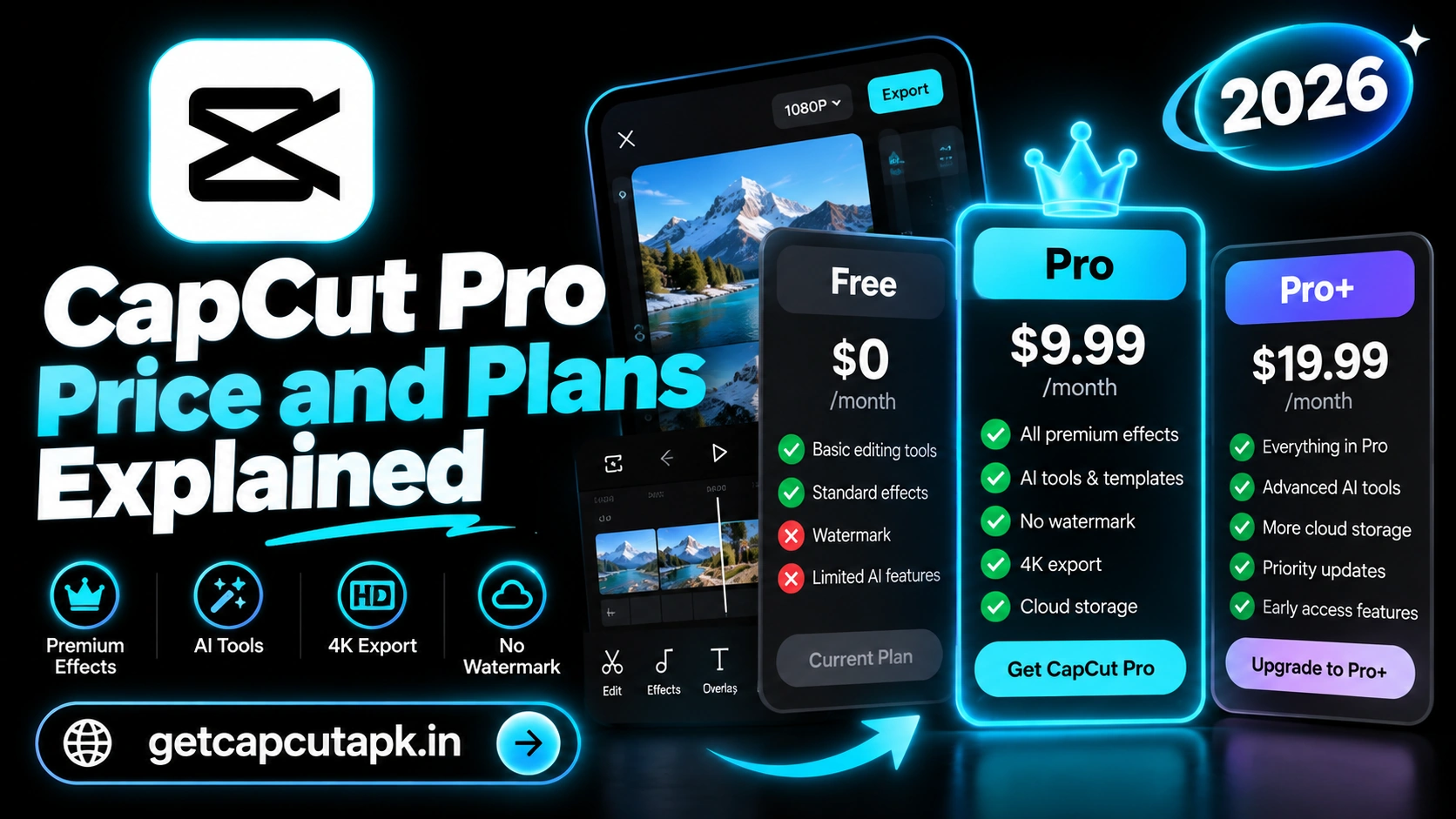
What Is CapCut Pro?
CapCut Pro is the official paid subscription for the CapCut video editor. It unlocks premium effects, templates, fonts and AI tools. It also gives you more cloud storage and higher usage limits.
Pro is sold directly inside the CapCut app and on the official website. It works on your phone, tablet, computer and the web when you use the same account. You do not need to buy it separately for each device.
The free version of CapCut is still very powerful. Pro is an optional upgrade for people who want extra tools and content. Many casual users never need it.
How CapCut Pro Pricing Works
CapCut uses a simple subscription model. You choose a plan and pay on a regular schedule. The exact price depends on several factors.
| Factor | How It Affects Price |
|---|---|
| Country | Prices are set for each region and currency |
| Plan length | Yearly plans usually cost less per month than monthly plans |
| Platform | App Store, Play Store and website prices may differ |
| Offers | Free trials and discounts may appear from time to time |
| Plan type | Some regions offer more than one Pro tier |
Because of these factors, two users in different countries may see very different prices. The price shown in your app is the one that applies to you. Taxes may also be added depending on where you live.
CapCut Pro Plan Types
CapCut offers a few common ways to pay for Pro. The names and options can vary by region. Here are the plan types most users see.
| Plan | How It Works | Best For |
|---|---|---|
| Monthly | Pay every month, cancel any time | Trying Pro or short projects |
| Yearly | Pay once a year at a lower monthly rate | Regular creators |
| Free trial | Try Pro for a short time when offered | Testing before you pay |
| Team or business plans | Extra features for teams in some regions | Agencies and companies |
A yearly plan is usually the best value if you edit often. A monthly plan gives you more freedom if you only need Pro for a short time. Free trials are a great way to test before you commit.
What Does CapCut Pro Include?
Pro unlocks a range of premium tools and content. The exact list can change with updates. Here are the main benefits most users get.
- Premium effects and filters with a Pro label
- Pro templates for trending styles
- Premium fonts and text styles
- More AI tools and higher usage limits
- Extra cloud storage for projects
- Advanced features like some audio and video enhancement tools
- Priority access to some new features
Pro items are marked with a small label in the app. When you use them with a free account, you may not be able to export until you remove them. With Pro, you can export freely.
CapCut Free vs CapCut Pro
The free version covers most daily editing needs. Pro adds extra content and more power. The table below shows the main differences.
| Feature | Free | Pro |
|---|---|---|
| Basic editing tools | Yes | Yes |
| Most effects and filters | Yes | Yes |
| Premium effects and templates | No | Yes |
| Keyframes, Chroma Key and masks | Yes | Yes |
| Auto captions | Yes | Yes, with more styles |
| AI tools | Limited | More tools and higher limits |
| Cloud storage | Small free space | Larger space |
| Export up to 4K | Yes on supported devices | Yes on supported devices |
As you can see, many key tools are free. Keyframes, green screen, captions and 4K export do not need Pro. Pro mainly adds premium content, AI power and storage.
Who Should Buy CapCut Pro?
Pro is not for everyone, but it can be a great value for certain users. Think about how often you edit and what you make. Here is a simple guide.
Pro Is Worth It If You
- Post videos every day or several times a week
- Use Pro templates and effects often
- Rely on AI tools like background removal and enhancement
- Need more cloud storage for many projects
- Edit for clients or a business
Free Is Enough If You
- Edit a few videos a month
- Mostly use basic tools like trim, text and music
- Do not need premium templates
- Keep projects on your device rather than in the cloud
Many creators start with the free version and upgrade later. This lets you see which Pro features you actually miss. You can always subscribe when you need more.
How to Subscribe to CapCut Pro
Subscribing takes only a few steps. You can do it from your phone, computer or the web. Here is how on mobile.
- Open CapCut and tap your profile or the Pro banner.
- Tap Try Pro or Subscribe.
- Review the plans and prices for your region.
- Choose a monthly or yearly plan.
- Confirm the payment through your app store.
- Restart CapCut to see your Pro features.
Payments on mobile go through the Google Play Store or Apple App Store. Payments on the website go through the official CapCut payment page. Keep your receipt in case you need help later.
How to Cancel CapCut Pro
You can cancel Pro at any time. Your Pro features stay active until the end of the current billing period. Here is how to cancel on each platform.
On Android
- Open the Google Play Store.
- Tap your profile picture, then Payments and subscriptions.
- Tap Subscriptions and choose CapCut.
- Tap Cancel subscription and confirm.
On iPhone and iPad
- Open Settings and tap your name.
- Tap Subscriptions.
- Choose CapCut and tap Cancel Subscription.
On the Website
- Sign in to your account on the official CapCut website.
- Open your account or subscription settings.
- Choose Cancel and confirm.
Deleting the app does not cancel your subscription. You must cancel through the platform where you paid. Set a reminder before your renewal date if you only want a short trial.
What Happens When Pro Ends?
If you cancel Pro or your plan expires, your account goes back to the free version. Your projects and drafts stay safe. However, Pro items inside those projects will be locked again.
Projects that use Pro effects or templates may show a message when you export. You can replace those items with free ones and export as normal. Videos you already exported stay unchanged in your gallery.
Cloud storage also drops back to the free limit. If you stored many projects in the cloud, some may become read-only until you free up space. Download or delete old cloud drafts before your plan ends.
Pro Features Our Editors Use Most
The team at getcapcutapk.in/ has tested many Pro features for real client and social media work. Some features save far more time than others. Here are the ones we reach for most often.
| Pro Feature | Why It Helps |
|---|---|
| Premium templates | Fast trend videos with pro styles |
| AI background removal | Clean cutouts without a green screen |
| Enhance quality tools | Sharper clips from old phones |
| Extra cloud storage | Easy sharing between phone and PC |
| Premium caption styles | Eye-catching subtitles in one tap |
If these features match your work, Pro will likely pay for itself in saved time. If not, the free version may be all you need. Make a short list of the Pro tools you would really use before you subscribe.
How to Check Your Pro Status
Sometimes you may not be sure if Pro is active on your account. Checking takes only a few seconds. Here is how.
- Open CapCut and tap your profile.
- Look for a Pro badge or plan name.
- Open Settings to see your subscription details.
Tips to Save Money on CapCut Pro
Pro can be good value, but there are ways to pay less. A few smart choices can lower your cost. Here are our tips.
- Choose a yearly plan if you edit often
- Watch for free trials and seasonal offers in the app
- Compare app store and website prices in your region
- Use free alternatives for effects you rarely need
- Cancel before renewal if you only need Pro for one project
Always buy Pro from official sources only. Third-party sites that sell cheap Pro access or modified apps are risky. They can steal your data or get your account banned.
Is Modified CapCut Pro a Good Idea?
Some websites offer modified versions that claim to unlock Pro for free. These files are not official and come from unknown third parties. They carry serious risks.
Modified apps can contain malware, steal your passwords and expose your personal files. They also break CapCut’s terms of service, which can lead to account bans. They do not get updates or support.
The safest way to get Pro features is to buy a real subscription or use the free version. Many free tools are already powerful enough for great videos. Read our guide on is CapCut safe to learn more about staying safe.
Is CapCut Pro Worth It?
For regular creators, CapCut Pro is often worth the money. It saves time with premium templates and AI tools. It also helps your videos stand out with unique effects.
For casual users, the free version is usually enough. It includes keyframes, green screen, captions and 4K export. You can make professional videos without paying.
The best approach is to start free and watch which Pro labels you keep wanting. If you use them often, Pro is a smart investment. If not, save your money for other gear.
CapCut Pro vs Other Paid Editors
How does CapCut Pro compare with other paid editing apps? The table below gives a simple comparison. Prices vary, so we focus on value.
| App | Price Model | Main Strength |
|---|---|---|
| CapCut Pro | Subscription | Templates, AI tools, easy editing |
| InShot Pro | Subscription or one-time options | Simple mobile edits |
| KineMaster | Subscription | Layers and pro mobile tools |
| Premiere Pro | Subscription | Professional desktop editing |
| Canva Pro | Subscription | Design and simple video |
CapCut Pro is often one of the best values for social media creators. It combines easy editing, trends and AI in one app. For more comparisons, read our post on CapCut vs Premiere Pro.
Conclusion
CapCut Pro is an optional subscription that unlocks premium effects, templates, AI tools and extra storage. Prices vary by country, plan length and platform, so always check the price in your app. Yearly plans usually offer the best value for regular creators.
The free version is still very powerful and covers most editing needs. Upgrade only if you often use Pro templates, AI tools or need more cloud space. You can cancel any time through the platform where you paid.
Always buy Pro from official sources and avoid modified apps. For more guides on features, pricing and safety, keep visiting getcapcutapk.in/. Happy editing, whether you go free or Pro.
Frequently Asked Questions
The price depends on your country, plan length and platform. Check the exact price inside the CapCut app. Yearly plans usually cost less per month than monthly plans.
Free trials are offered in some regions and at some times. Look for a trial offer on the Pro page in the app. Remember to cancel before renewal if you do not want to pay.
Yes, one Pro plan works across devices with the same account. Sign in on each device to use your benefits. You do not need to buy Pro twice.
Cancel through the platform where you paid, such as the Play Store, App Store or website. Deleting the app does not cancel it. Your Pro features stay active until the period ends.
Most beginners can start with the free version. It includes all the basic and many advanced tools. Upgrade later if you often need Pro templates or AI tools.