CapCut vs InShot Which Video Editor Is Better for You 2026
CapCut and InShot are two of the most popular mobile video editors in the world. Both are easy to use, offer free versions and work great for social media. This guide compares CapCut vs InShot in simple words.
We compare them on features, ease of use, templates, AI tools, export quality, watermarks and price. We also explain which app suits different types of creators. The team at getcapcutapk.in/ has used both apps for many real projects.
There is no single winner for everyone, since each app shines in different ways. By the end of this guide, you will know which one fits your needs. For an overview of CapCut, visit our CapCut Pro APK home page.
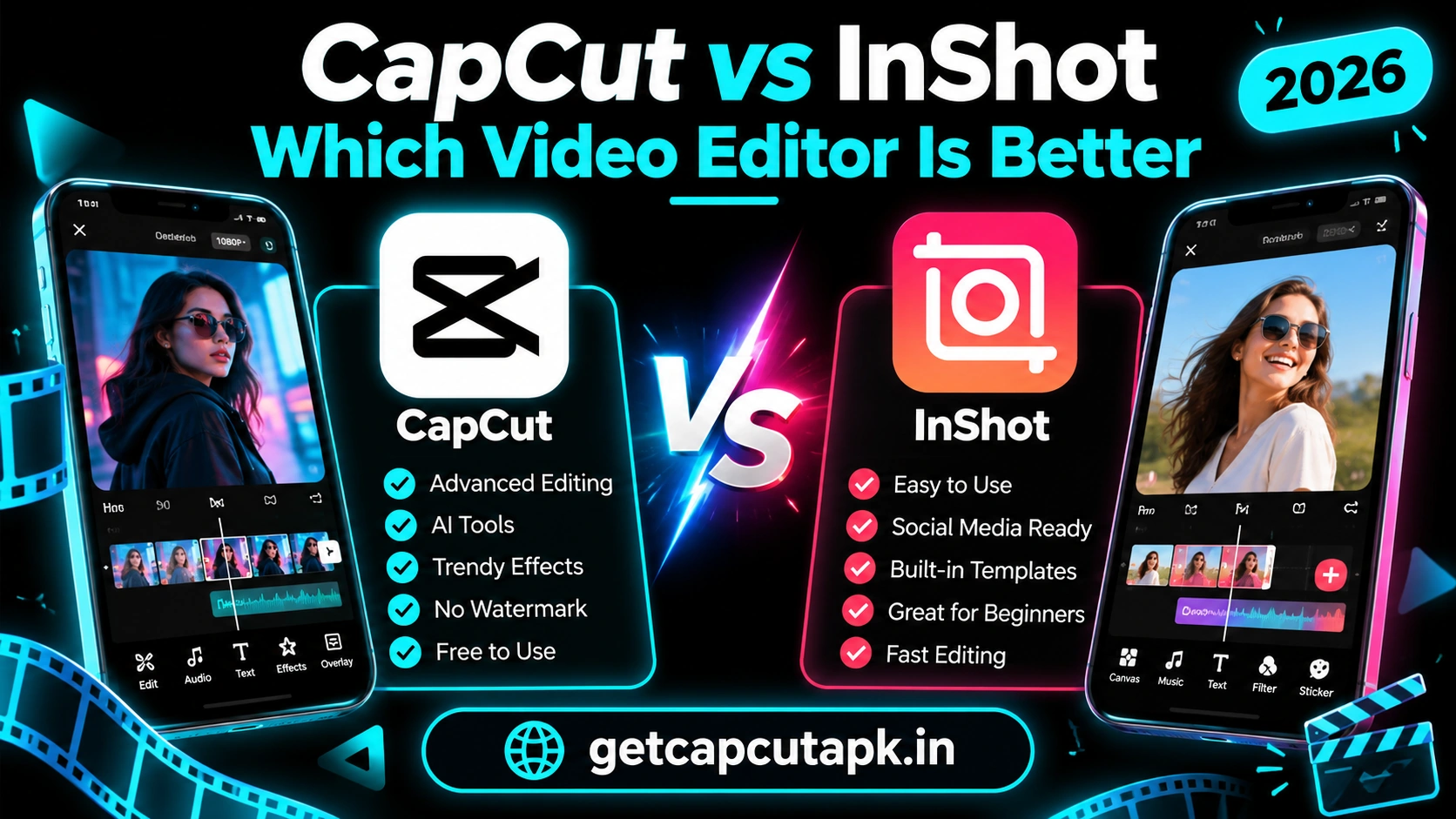
Quick Comparison Table
Here is a short summary of how the two apps compare. Each point is explained in detail below. Use this table as a quick reference.
| Point | CapCut | InShot |
|---|---|---|
| Developer | ByteDance | InShot Inc. |
| Price | Free with optional Pro | Free with optional Pro |
| Watermark on free exports | No watermark, ending clip can be removed | Watermark on free exports, removable with Pro or options in the app |
| Templates | Huge library | Smaller selection |
| AI Tools | Many AI tools | Some AI tools |
| Keyframes | Yes | Yes |
| Green Screen | Yes | Yes |
| Auto Captions | Yes | Yes |
| Desktop Version | Yes | Mobile focused |
| Best For | Trends, effects and AI edits | Quick, simple edits |
Overview of CapCut
CapCut is a free video editor made by ByteDance, the company behind TikTok. It offers a full set of tools for trimming, effects, transitions, text, music and AI editing. It is also known for its huge template library.
CapCut runs on Android, iPhone, iPad, Windows, Mac and the web. Projects can sync across devices through the cloud. This makes it a strong choice for creators who edit on many screens.
Many TikTok and Reels creators use CapCut because it makes trending edits easy. Templates, speed curves and effects are built for short-form content. Advanced tools like keyframes and masks are also free.
Overview of InShot
InShot is a popular mobile video and photo editor. It is known for its clean layout and quick editing tools. Many people use it for simple edits, slideshows and social posts.
InShot offers trim, split, music, text, stickers, filters, transitions and speed tools. It also includes features like keyframes, chroma key and photo editing. The app focuses on making common tasks fast and easy.
The free version adds a small watermark to exports. You can remove it with a Pro plan or through options shown in the app. Pro also unlocks premium effects and removes ads.
Ease of Use
Both apps are friendly for beginners. However, they feel a little different. Here is how they compare.
InShot has a very simple layout with large buttons. New users can trim a video and add music in a minute. It feels light and quick for basic edits.
CapCut has more tools on screen, which can feel busy at first. But it is still easy once you learn the main menus. Templates also make it very beginner friendly.
| Point | CapCut | InShot |
|---|---|---|
| Learning curve | Easy to medium | Very easy |
| Layout | Feature-rich | Simple and clean |
| Best for first-time users | Template users | Basic editors |
Editing Features
Both apps offer the core tools you need for social media videos. CapCut goes deeper with advanced options. The table below compares key features.
| Feature | CapCut | InShot |
|---|---|---|
| Trim and split | Yes | Yes |
| Multi-layer editing | Yes | Yes, more limited |
| Keyframes | Yes | Yes |
| Speed curves | Yes | Basic speed control and curves in some versions |
| Masks | Yes | Limited |
| Chroma key | Yes | Yes |
| Motion tracking | Yes | No |
| Stabilization | Yes | Limited |
CapCut is the stronger choice for advanced edits like velocity edits, masks and motion tracking. InShot covers the basics well and keeps things simple. Your choice depends on how far you want to go.
Templates
Templates are one of CapCut’s biggest strengths. Its library includes thousands of trending styles that update daily. You can make viral videos by just adding your clips.
InShot offers some templates and preset styles, but the selection is smaller. It focuses more on tools for building your own edit. This suits users who prefer full control.
If you love following trends, CapCut wins this round easily. Read our guide on CapCut templates to see how they work. They are a big reason so many creators choose CapCut.
AI Tools
CapCut includes many AI tools, such as background removal, Auto Captions, AutoCut, AI effects and text to speech. These tools save time and open new creative options. Some need internet or a Pro plan.
InShot has added some AI tools in recent versions, like auto captions and smart cutouts. However, its AI toolkit is smaller. It focuses more on classic editing tools.
For creators who want smart, fast edits, CapCut offers more AI power. For users who prefer manual editing, InShot works fine. Check each app for the latest AI tools in your region.
Text, Captions and Music
Both apps let you add text, stickers and music. Both also offer auto captions in recent versions. The details differ a little.
| Feature | CapCut | InShot |
|---|---|---|
| Fonts and text styles | Large library with animations | Good library |
| Auto captions | Yes, with many styles | Yes |
| Music library | Large, linked to trends | Good library |
| Sound effects | Yes | Yes |
| Voiceover | Yes | Yes |
CapCut’s caption styles and trending sounds are a big plus for TikTok creators. InShot’s text tools are simple and quick. Both handle music and voiceovers well.
Export Quality and Watermarks
Both apps support high-quality exports on supported devices. You can choose resolution and frame rate on the export screen. Options depend on your phone.
| Point | CapCut | InShot |
|---|---|---|
| Max resolution | Up to 4K on supported devices | High resolution options on supported devices |
| Frame rate | Up to 60 fps | Up to 60 fps on supported devices |
| Free watermark | No watermark, ending clip removable | Watermark on free exports |
The watermark difference matters for many users. CapCut free exports have no watermark once you remove the ending clip. Read our guide on how to remove the CapCut ending to learn how.
Price
Both apps are free to download and offer paid upgrades. Prices vary by country and plan. Here is how they compare in general.
CapCut Pro unlocks premium effects, templates, AI tools and cloud storage. InShot Pro removes the watermark and ads and unlocks premium materials. Both offer monthly and yearly plans in most regions.
For many users, CapCut’s free version offers more without paying. InShot users often upgrade to remove the watermark. Read our post on CapCut Pro price for more details on CapCut plans.
Performance
Both apps run well on most modern phones. InShot feels very light and quick on older devices. CapCut can feel heavier because it has more features.
On high-end phones, both apps run smoothly. On older phones, CapCut may lag with many layers and effects. Lowering the preview quality helps.
If you have an older phone and only need simple edits, InShot may feel faster. If you have a modern phone, CapCut runs great. Our guide on CapCut system requirements explains how to boost speed.
Platforms
CapCut runs on many devices, while InShot is focused on mobile. This matters if you edit on more than one screen. Here is a comparison.
| Platform | CapCut | InShot |
|---|---|---|
| Android | Yes | Yes |
| iPhone and iPad | Yes | Yes |
| Windows and Mac | Yes | Mobile focused |
| Web browser | Yes | No |
| Cloud sync | Yes | Limited |
If you want to start on your phone and finish on a computer, CapCut is the better choice. InShot works best if you edit only on your phone. Both are great on mobile.
Real Use Cases Side by Side
To show the real difference, here is how each app handles common tasks. We picked jobs that most creators do every week. The notes come from hands-on use of both apps.
| Task | CapCut | InShot |
|---|---|---|
| Make a 15 second trend video | Very fast with templates | Manual edit with music |
| Cut a long vlog into a short clip | Easy with AutoCut and split | Easy with split and trim |
| Add subtitles to a talking video | Auto captions with many styles | Auto captions with simple styles |
| Make a photo slideshow | Templates and keyframes | Simple and quick |
| Remove a background | AI removal and Chroma Key | Cutout tools in recent versions |
| Edit a photo for Instagram | Basic tools | Strong photo editor |
As you can see, each app wins in different areas. CapCut is faster for trends and smart tools. InShot is handy for photos and simple tasks.
Learning Resources
Good tutorials help you master any app faster. CapCut has a huge community with countless tutorials and template guides. Many trends start in CapCut, so tutorials are easy to find.
InShot also has helpful tutorials, especially for simple edits and photo work. Its smaller feature set means there is less to learn. Most users figure it out in one session.
On getcapcutapk.in/, we focus on step by step CapCut guides for every feature. Our full list of CapCut features is a great place to start. Each feature links to a detailed tutorial.
Which App Is Better for You?
The best choice depends on what you make and how you like to edit. Use this simple guide to decide. Many creators keep both apps installed.
| If You Want | Choose |
|---|---|
| Trending templates | CapCut |
| Simple, quick edits | InShot |
| Advanced effects and AI | CapCut |
| Photo editing and collages | InShot |
| No watermark for free | CapCut |
| Editing on PC too | CapCut |
| Very light app for old phones | InShot |
Pros and Cons
Each app has clear strengths and a few weak points. These lists sum them up. Use them to see which trade-offs matter to you.
CapCut Pros
- Huge template library
- Strong AI tools
- No watermark on free exports
- Works on phone, PC and web
CapCut Cons
- Busier layout for new users
- Heavier on older phones
- Not available in some countries
InShot Pros
- Very simple and quick
- Light on older phones
- Good photo and collage tools
InShot Cons
- Watermark on free exports
- Fewer templates and AI tools
- Mobile focused
Our Verdict
For most social media creators, CapCut is the stronger all-round choice. It offers more templates, more AI tools and free exports without a watermark. It also works across phone, computer and web.
InShot is a great choice for simple, quick edits and users with older phones. Its clean layout makes basic tasks very fast. It is also handy for photo edits and collages.
The team at getcapcutapk.in/ uses CapCut for most projects and InShot for quick photo work. Try both and see which one fits your style. You may end up using each for different tasks.
Key Takeaways
Here are the most important points from this guide on CapCut vs InShot. Keep them in mind for your next project. They cover the steps that make the biggest difference.
- CapCut leads in templates and AI tools
- InShot is lighter and very simple
- CapCut free exports have no watermark
- InShot is handy for photos and collages
Conclusion
CapCut and InShot are both excellent free video editors. CapCut wins for templates, AI tools, advanced effects and watermark-free exports. InShot wins for simplicity, speed on older phones and quick photo edits.
Your choice depends on your goals, your device and how you like to edit. Trend-focused creators will love CapCut, while casual editors may prefer InShot. Many people use both for different tasks.
For more comparisons and editing guides, keep visiting getcapcutapk.in/. Also check our post on CapCut vs KineMaster for another popular matchup. Happy editing.
Frequently Asked Questions
CapCut is better for templates, AI tools and advanced effects. InShot is better for simple, quick edits and older phones. The best choice depends on your needs.
Yes, InShot adds a small watermark to free exports. You can remove it with InShot Pro or options shown in the app. CapCut free exports have no watermark.
InShot is a little simpler for complete beginners. CapCut is also beginner friendly, especially with templates. Both can be learned quickly.
CapCut has official apps for Windows and Mac, plus a web editor. InShot is focused on mobile devices. For PC editing, CapCut is the better choice.
Yes, both apps are free to download and use. Both offer optional Pro plans for extra features. Prices vary by region.