How to Compress and Convert Video in CapCut Without Blur
Learn how to compress and convert video in CapCut without blur, using resolution, frame rate, bitrate and format settings for smaller, sharper files.
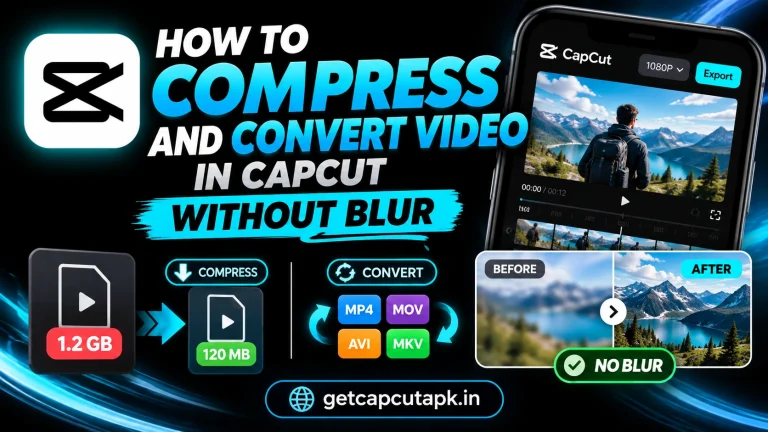
Learn how to compress and convert video in CapCut without blur, using resolution, frame rate, bitrate and format settings for smaller, sharper files.
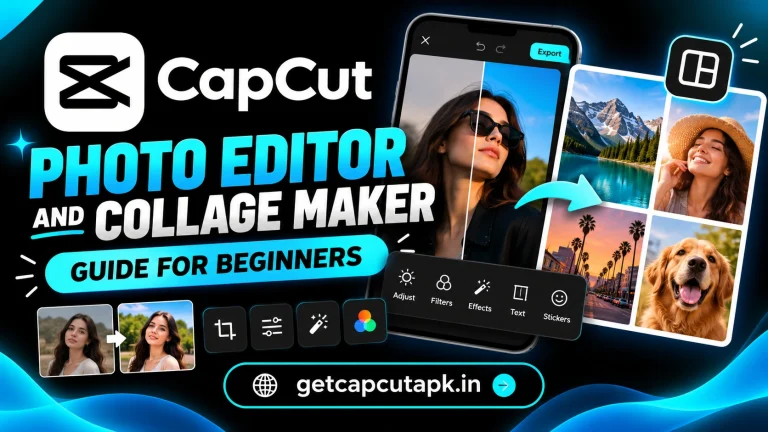
A beginner guide to the CapCut photo editor and collage maker, with crop, filters, adjust, text, background removal, layouts, slideshows and export tips.
Learn how to use retouch in CapCut for natural face and body edits, with smooth skin, face shape, makeup, body tools, lighting tips and responsible use.
Learn how to make a photo background white in CapCut in seconds with background removal, white canvas, cutout edges, product photos and export tips.
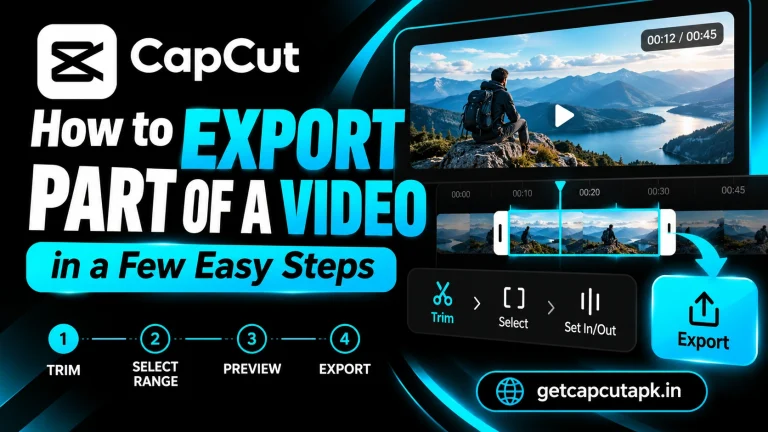
Learn how to export part of a video in CapCut on phone and PC, by trimming, splitting, duplicating projects or exporting a selected range, with tips.
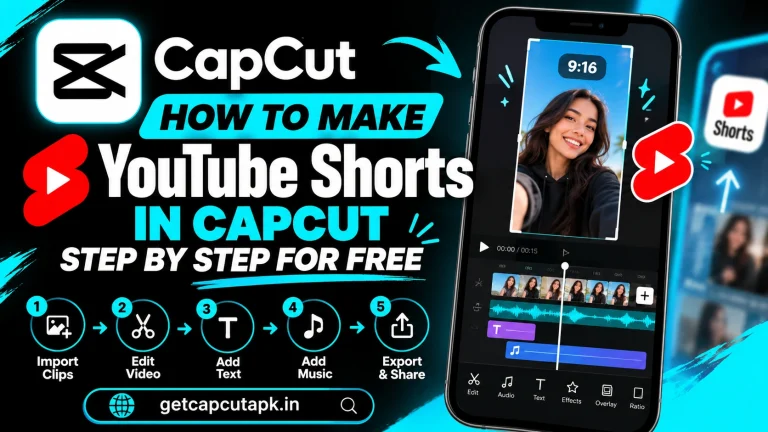
Learn how to make YouTube Shorts in CapCut for free, from the 9:16 setup and hooks to captions, music, length, export settings and upload tips.
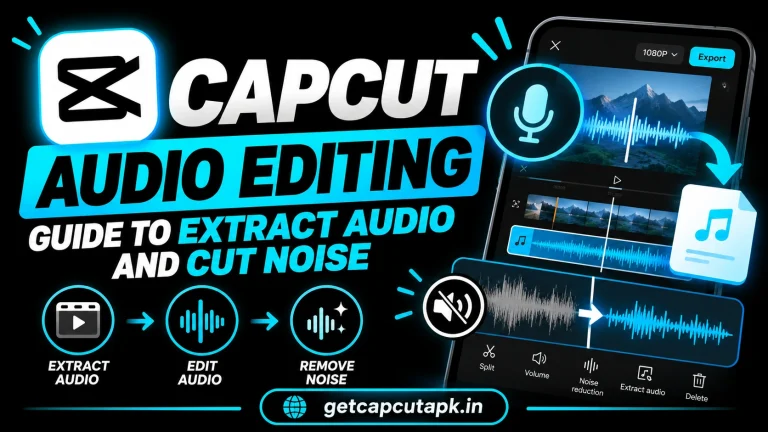
A simple CapCut audio editing guide covering extract audio, noise reduction, volume, fades, voiceovers, voice effects, beats and balancing music.
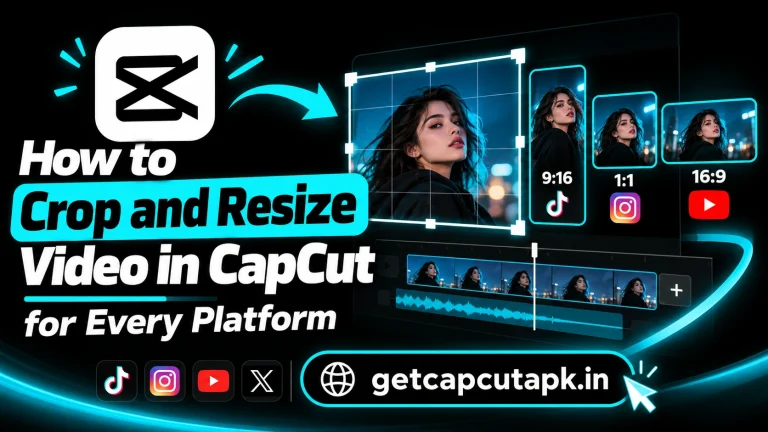
Learn how to crop and resize video in CapCut for TikTok, Reels, Shorts and YouTube, with ratio settings, crop tools, canvas, Auto Reframe and fixes.
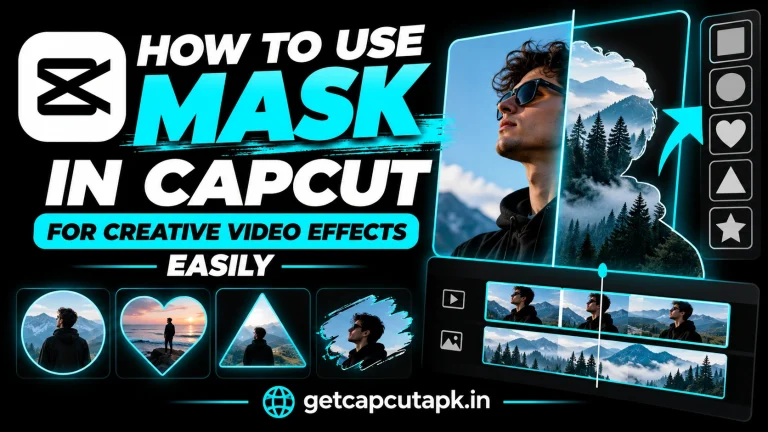
Learn how to use mask in CapCut for creative effects, with mask shapes, feather, invert, keyframes, split screens, clone effects and text reveals.
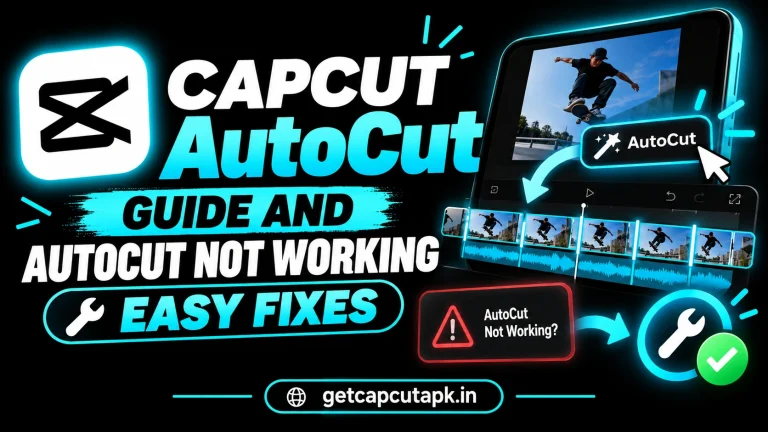
Learn how to use CapCut AutoCut to make quick edits from your clips, pick styles, customize results and fix AutoCut not working problems easily.
End of content
End of content